


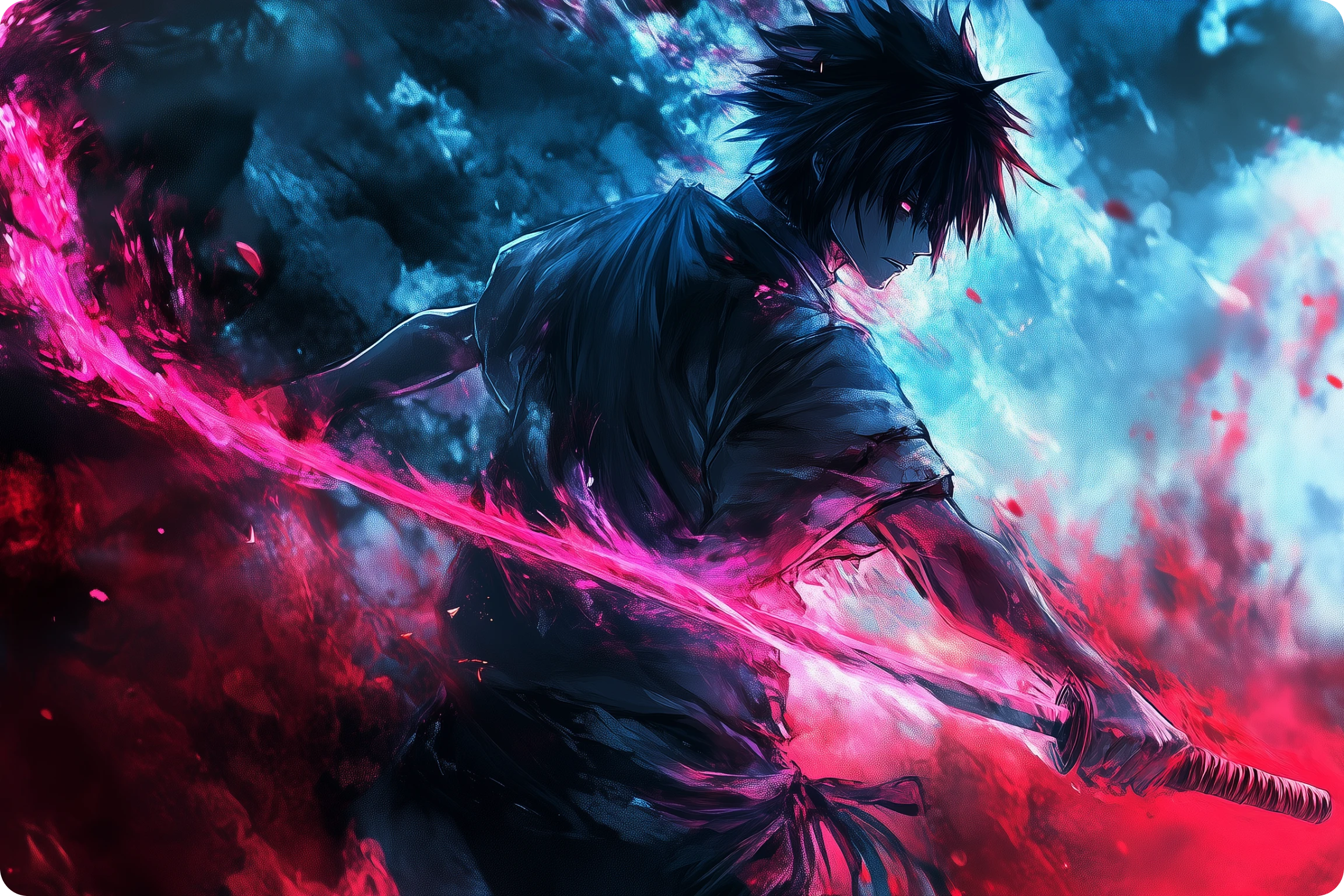
This article is for anyone who wants to create a custom background or screensaver for their desktop, phone, or tablet without spending time in complicated design software. Whether you are a social media creator, small business owner, student, or someone who simply wants a more personal lock screen, this guide will help you understand what separates good background creation tools from frustrating ones. By the end, you will know exactly what features to prioritize, how different platform types compare, and which options are worth trying based on your device and workflow.
Why One-Click Background Creation Has Become Its Own Category
Backgrounds and screensavers might seem like a minor detail, but they show up everywhere. A branded desktop background gives a professional polish to screen-shared video calls. A custom mobile wallpaper reinforces a personal aesthetic or brand identity. AI-generated backgrounds have become a staple of social media content, product photography, and digital marketing, where a compelling visual environment is just as important as the subject in front of it.
Until recently, creating a polished background meant either commissioning artwork, pulling from a stock photo site, or spending hours in design software. The current generation of online tools has changed that. AI image generation, one-click templates, and browser-based editors now make it possible for anyone to produce a high-quality, fully customized background in under a minute, from any device, with no prior design experience required.
The challenge for most people is figuring out which tool is actually worth using. The market has grown quickly, and the range of quality between platforms is significant. Understanding the key evaluation criteria before you start will help you avoid wasting time on tools that look good in a demo but fail in practice.
Eight Criteria for Evaluating Any Background Creation Platform
Before choosing a platform, measure every option against the following criteria. These cover both the practical and creative dimensions of the decision:
1. AI Generation Quality The core promise of any AI background tool is that it can produce a compelling, realistic, or artistic image from a text prompt or a simple interaction. Quality varies widely. Some tools produce images that look generic, pixelated, or inconsistent in style. The best platforms generate backgrounds that look intentional, professional, and visually coherent. Look for tools that have been trained on licensed, high-quality image datasets, as this tends to produce better output and also avoids copyright concerns.
2. One-Click Simplicity True one-click functionality means the user does not have to navigate multiple menus, adjust settings, or make technical decisions to get a usable result. Some platforms advertise simplicity but require several configuration steps before generating output. Test the platform with a basic request before committing. The number of steps between opening the tool and downloading a finished background is a direct measure of how well it delivers on its speed promise.
3. Device Compatibility and Cross-Platform Access A background creation tool is only useful if you can access it from the device you are editing on. Platforms that work exclusively on desktop browsers are a poor fit for users who primarily shoot and share from a smartphone. Look for tools with dedicated mobile apps or responsive browser interfaces that work equally well on a phone, tablet, and desktop. Cloud syncing between devices is a bonus that saves significant time.
4. Output Resolution and Aspect Ratio Options A background designed for a mobile wallpaper needs a different resolution and aspect ratio than one designed for a widescreen desktop. The best tools allow you to specify the intended output dimensions before generating or downloading, so you are not left cropping or stretching a finished image to fit your screen. High-resolution export (at minimum 1080p, ideally higher) is essential for backgrounds that will be displayed on modern screens.
5. Customization Depth Generating a background from a prompt is a starting point, not always a finished product. After the initial generation, you may want to adjust colors, add text, swap out elements, or fine-tune the composition. Platforms that allow post-generation editing within the same workspace are significantly more useful than those that hand you a flat image file and nothing else. The ability to layer elements, apply filters, or change the background style without starting over is a meaningful differentiator.
6. Template and Asset Library Not every user wants to generate something from scratch. A strong template library gives you a curated starting point that you can personalize. This is especially useful for users who have a clear style in mind but are not confident in writing text prompts that produce the desired result. Access to royalty-free stock images, icons, and design elements within the same platform reduces the need to pull assets from multiple sources.
7. Pricing and Free Tier Viability Some platforms offer genuinely useful free tiers. Others use free access as a hook and then watermark every download or restrict resolution until you pay. Before investing time in learning a platform, verify what the free tier actually includes. If the features that matter to you are locked behind a subscription, evaluate whether the monthly cost is justified by how often you will use the tool.
8. Commercial Use Rights If you are creating backgrounds for a business, a brand, or content you plan to sell or publish, you need to confirm that the platform grants commercial use rights to what you create. This is not a given. Some AI tools retain rights to generated content or restrict commercial use on free plans. Platforms that use commercially licensed training data and explicitly grant you ownership of your outputs are the safer choice for any professional application.
How Different Platform Types Compare
Background creation tools broadly fall into three types. Understanding each category will help you match the right platform to your actual use case.
Dedicated AI Wallpaper and Screensaver Apps These tools are built specifically for creating phone and desktop backgrounds. They are optimized for the right output dimensions, often include style presets (watercolor, photorealistic, abstract, neon, etc.), and are designed for fast, casual use. They tend to excel at the generation step but offer limited post-generation editing. If you want a beautiful screensaver in 30 seconds and have no need to customize further, this category serves that need well. The limitation is that you cannot easily incorporate the background into a larger design, add text or branding, or resize the output for multiple platforms without a second tool.
Evaluation summary for dedicated wallpaper apps: strong on one-click speed and mobile optimization, weak on customization, template depth, and integration with broader creative workflows.
General AI Image Generators These platforms are built around text-to-image generation and can produce stunning visuals from a detailed prompt. The output quality from leading tools in this category is impressive, often photorealistic or artistically sophisticated. The downside is that they are less beginner-friendly. Writing a prompt that produces exactly the background you envision takes practice. Most tools in this category also do not offer post-generation editing, device-optimized output settings, or template libraries. They are most useful for advanced users who are comfortable iterating on prompts to get the result they want.
Evaluation summary for general AI image generators: strong on raw generation quality, weak on ease of use for beginners, output sizing control, and workflow integration.
Full Creative Platforms with Background Creation Features These are the most versatile option in the category. They combine AI generation, customizable templates, a design editor, and multi-device access in a single workspace. They are designed to take you from idea to finished, publish-ready visual without switching tools. The tradeoff is that they have more to learn upfront and some of the most powerful features may require a paid plan. For users who regularly create content for multiple platforms and want their background to feed into a broader design project, this category offers the clearest long-term value.
Evaluation summary for full creative platforms: strong on customization, workflow integration, template depth, and cross-device access, moderate on raw AI generation quality compared to dedicated generators, and variable on one-click speed depending on the starting point.
Adobe Express as One Strong Option in This Category
Among full creative platforms, Adobe Express is worth a close look, particularly for users who want AI background creation to connect directly to a broader content workflow. The custom background tool in Adobe Express sits inside a complete design workspace, which means anything you generate or customize can immediately be used in a social post, flyer, presentation, or screensaver without leaving the platform.
Three features make it stand out within this platform type. First, the Firefly-powered text-to-image generation allows you to describe the background you want in plain language and produce a result in seconds. Because Adobe Firefly is trained on licensed content from Adobe Stock and public domain works, the output is commercially safe, which matters for anyone using generated backgrounds in a professional or branded context.
Second, Adobe Express provides sizing presets and the ability to set custom dimensions before you start designing, so you can build a background at the exact resolution your desktop or phone requires. This avoids the common frustration of generating a beautiful image only to discover it does not fit your screen without distortion.
Third, everything created in Adobe Express is synced across devices and accessible from the mobile app on both iOS and Android. You can start a background design on your laptop, refine it on your phone, and download it from either place. The free plan includes core editing tools, thousands of templates, and limited Firefly generative credits, making it genuinely usable without a subscription for casual users.
Adobe Express is one solid choice among several, and it is particularly well-suited for users who want to go from background generation to a polished, multi-platform design without touching a second app.
Practical Tips for Creating Better Backgrounds and Screensavers
Once you have chosen a platform, the following practices will consistently improve your results:
- Know your screen resolution before you start. Common mobile wallpaper dimensions are 1080×1920 pixels (portrait). Desktop backgrounds typically range from 1920×1080 to 2560×1440. Starting at the right size avoids cropping issues later.
- Use specific, descriptive prompts with AI generators. “Blue background” produces generic results. “Soft gradient background with deep navy at the top fading to pale sky blue at the bottom, matte texture, minimalist style” gives the AI much more to work with.
- Choose a style that complements your icons or app layout. On mobile, icons sit on top of the background. Busy or high-contrast backgrounds make icons harder to read. Opt for a design with visual breathing room in the areas where your icons cluster.
- Test the background on the actual device before finalizing. Colors and contrast can look different on screen than in a browser preview. Download a draft version and set it as your wallpaper before committing to the final version.
- Limit your color palette. Backgrounds with two or three coordinated colors tend to look more intentional and professional than those with many competing hues. Most AI tools allow you to specify color preferences in your prompt.
- Save your favorite prompts and templates for future use. Consistency across your devices and projects creates a more cohesive personal or brand aesthetic. Keeping a record of what worked saves time the next time you want to refresh your background.
- Check whether the platform allows transparent PNG export. If you plan to layer your background with additional elements in another tool, transparent PNG format preserves flexibility in a way that JPEG does not.
- Use the platform’s resize feature if you need the same design across multiple devices. Many full creative platforms allow you to convert a desktop background to a mobile format in a single step. This is faster than recreating the design from scratch at a different aspect ratio.
Frequently Asked Questions
What is the difference between a wallpaper and a screensaver, and does it affect which tool I should use?
A wallpaper is the static image displayed on your desktop or mobile home screen and lock screen. A screensaver is a moving or cycling image that activates after a period of inactivity, primarily on desktop computers. Most online background creation tools are designed to produce static images suitable for wallpapers. If you want a true animated screensaver for a desktop, you will need either a platform that supports animated or video output, or a separate screensaver application that can cycle through a folder of images you have created. For the vast majority of use cases, including phone lock screens, desktop backgrounds, and digital display graphics, a high-quality static image from a browser-based tool is sufficient and the simpler path.
Can I use AI-generated backgrounds commercially, such as for a business wallpaper or branded digital display?
Commercial use rights depend entirely on the platform and the plan you are using. Many AI tools restrict commercial use on their free plans and grant full commercial rights only to paid subscribers. Before using any AI-generated background for a business application, read the platform’s terms of service carefully. Platforms that train their AI models on licensed datasets and explicitly state that users own the content they generate are the safest choice. This is one area where a more established platform with a transparent licensing policy is worth paying for, even if a free tool produces visually similar results.
How do I make sure my background looks good on both a phone and a desktop without creating two separate files?
The most efficient approach is to design your background at the largest resolution you need, which is typically your desktop size (1920×1080 or higher), and then use your platform’s resize or crop tool to produce a second version in portrait orientation for mobile. Many full creative platforms include a resize feature that adapts your design to a new set of dimensions in one step while preserving the elements you have already placed. If you want to sync your wallpaper preferences across multiple devices automatically, tools like Unsplash for iOS and Android offer curated high-resolution wallpaper collections you can apply directly to your device, which can serve as a complement to custom backgrounds you create yourself.
Is there a meaningful quality difference between AI-generated backgrounds and stock photo backgrounds for screensaver use?
For most screensaver and wallpaper use cases, a well-generated AI background can match or exceed the visual quality of a stock photo, particularly for abstract, nature-inspired, or gradient styles. Where stock photos tend to have an edge is in photorealistic scenes involving people, architecture, or specific real-world locations. A stock photo of a mountain range will typically look more naturalistic than an AI-generated one, especially on a large high-resolution screen. For abstract patterns, color gradients, artistic styles, or branded backgrounds, AI generation is often the better and more flexible choice because it lets you specify exactly what you want rather than searching through hundreds of stock results to find something close.
How many AI credits or free uses do most platforms actually give before requiring payment?
This varies significantly between platforms, and the marketing language around free tiers is often vague. In practice, most platforms in this category offer between five and twenty free AI-generated images before requiring a paid upgrade or the purchase of additional credits. Some platforms reset your credits monthly, while others provide a one-time allotment when you create an account. The most important thing to check is not just the quantity of free credits but whether the free tier allows full-resolution downloads without a watermark. A platform that gives you ten free generations but watermarks every download is not genuinely free for practical use. Always test the download quality and resolution on the free tier before committing to a paid plan.
Conclusion
Creating a custom background or screensaver from any device has never been more accessible, but the range of quality between available platforms is wide enough that choosing the wrong tool leads to wasted time and disappointing results. The key is knowing which criteria matter most for your specific use case: one-click speed, AI generation quality, output resolution, cross-device access, and commercial use rights are the factors that separate genuinely useful tools from ones that only look good in a demo.
For users who want a fast, standalone screensaver or wallpaper with minimal setup, a dedicated AI wallpaper app or image generator may be all you need. For users who want to build backgrounds that feed into a larger design workflow, a full creative platform that combines generation, editing, and device syncing in one place is worth the additional learning curve. Take the evaluation criteria in this article into any tool you test, start with the free tier, and base your final decision on the actual quality of what you can download, not the feature list on the pricing page.
